simply Weather Forecast!
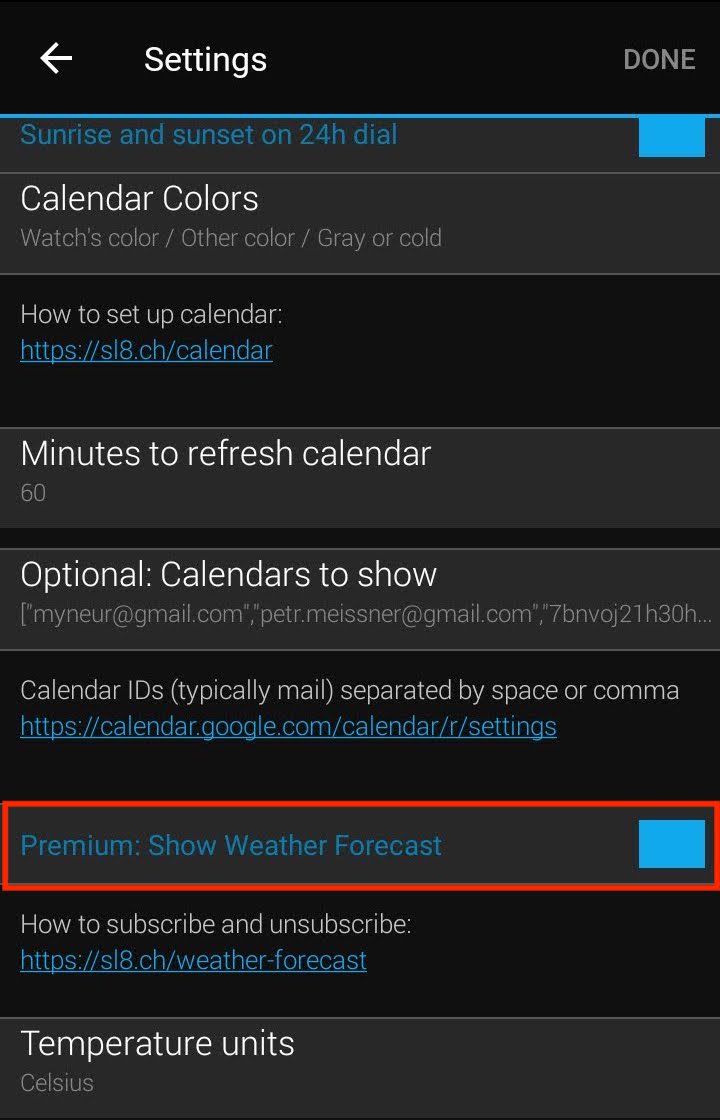
Turn on "Premium: Show Weather Forecast" in the watch settings in your Garmin Mobile Connect app.
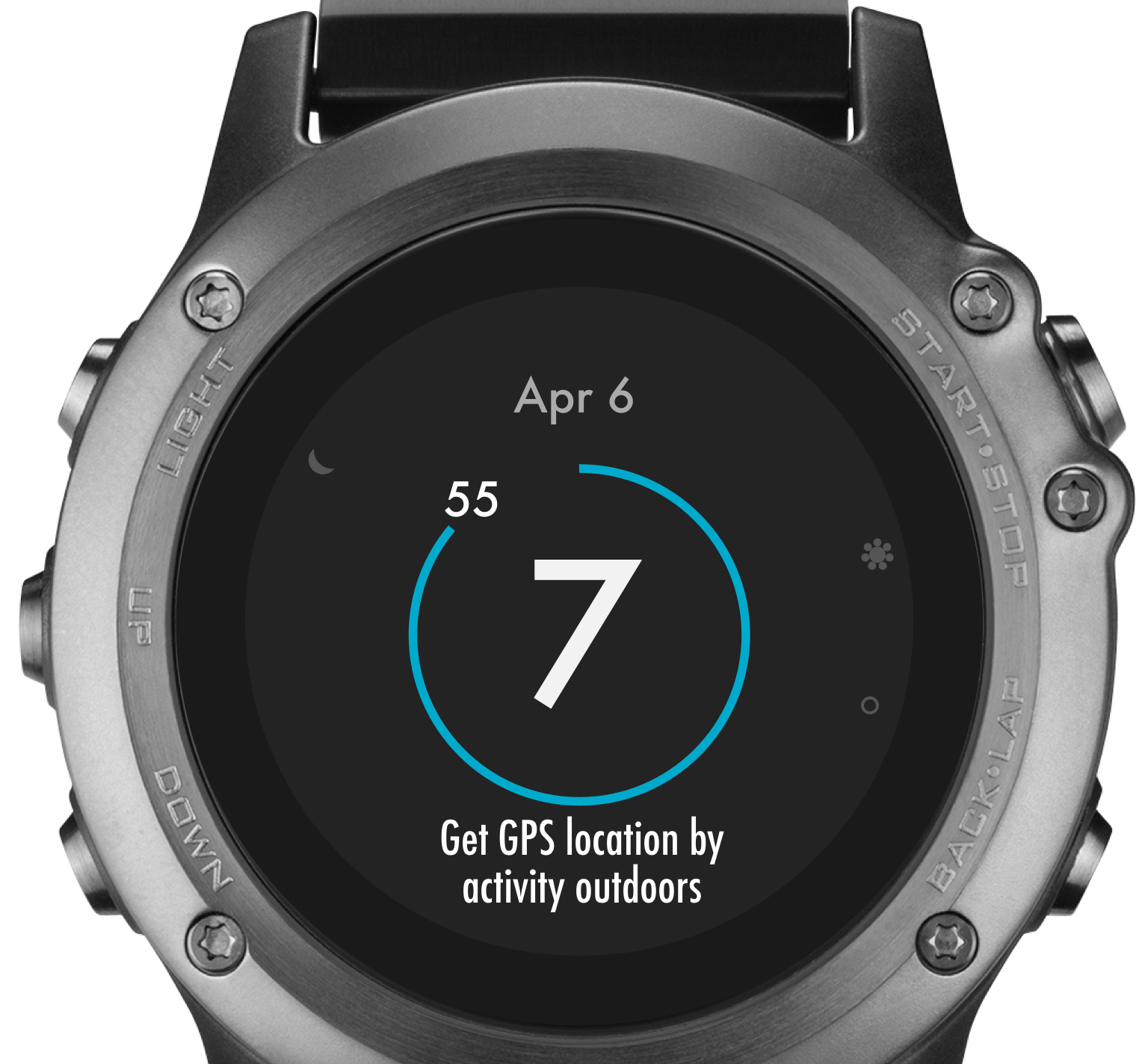
If requested, get your current location by starting any outdoor activity and waiting until the watch acquires a GPS signal. Then return to the watch face. It needs your location to know what place to load the weather forecast for.
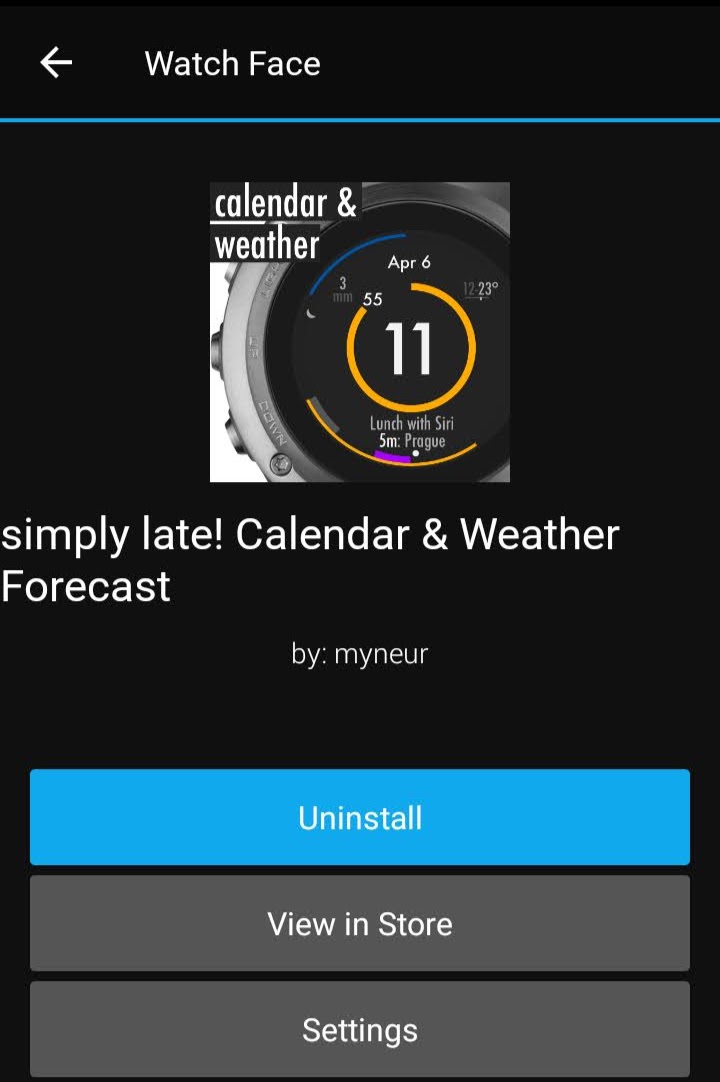
Wait for a phone notification.
It can take up to 5 mins.
If it won't come, check Notifications inside your Garmin Mobile Connect app.
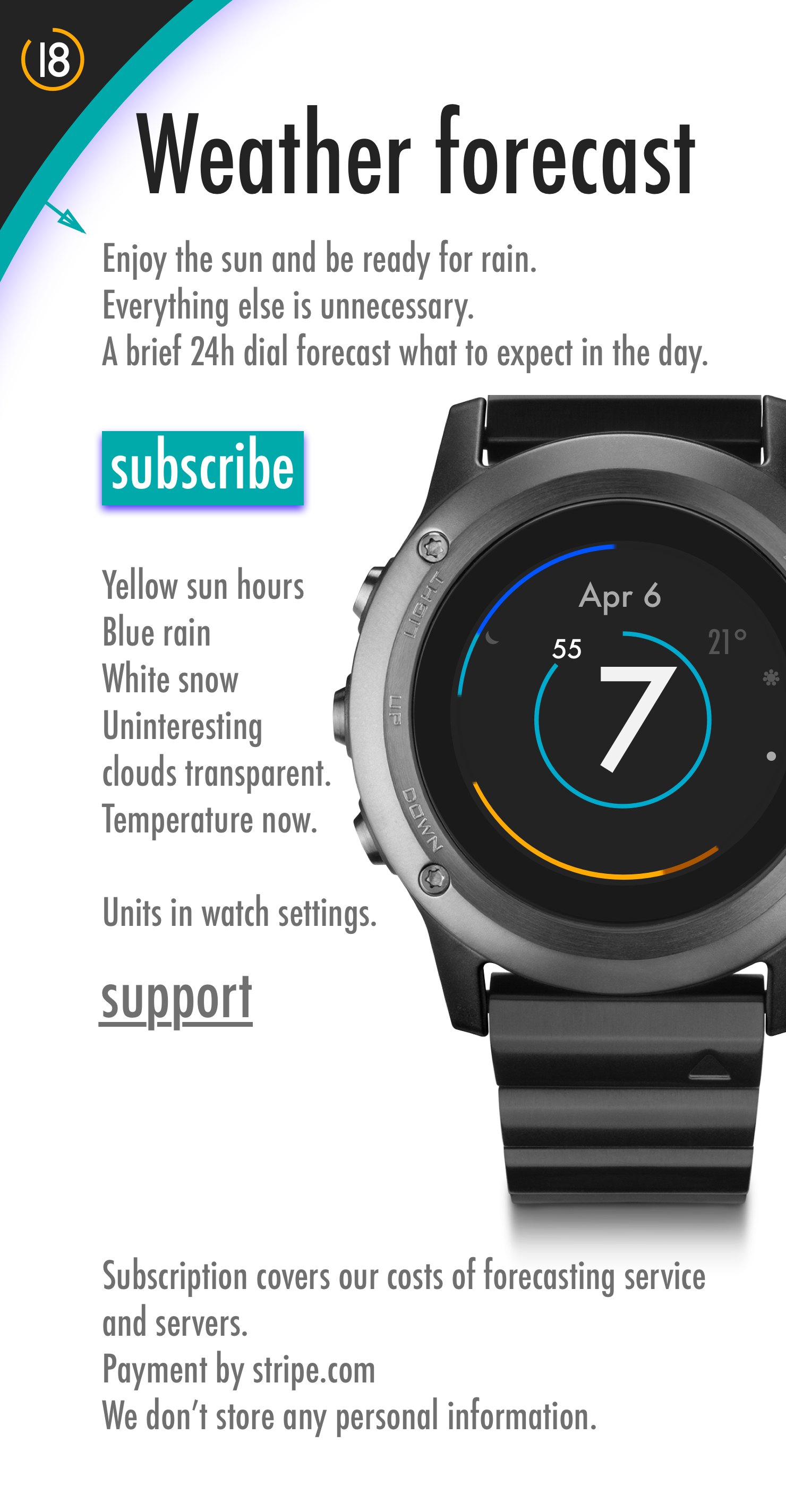
Tap ‘subscribe’.
The first 2 weeks are free.
You can unsubscribe any time at the bottom of this page.
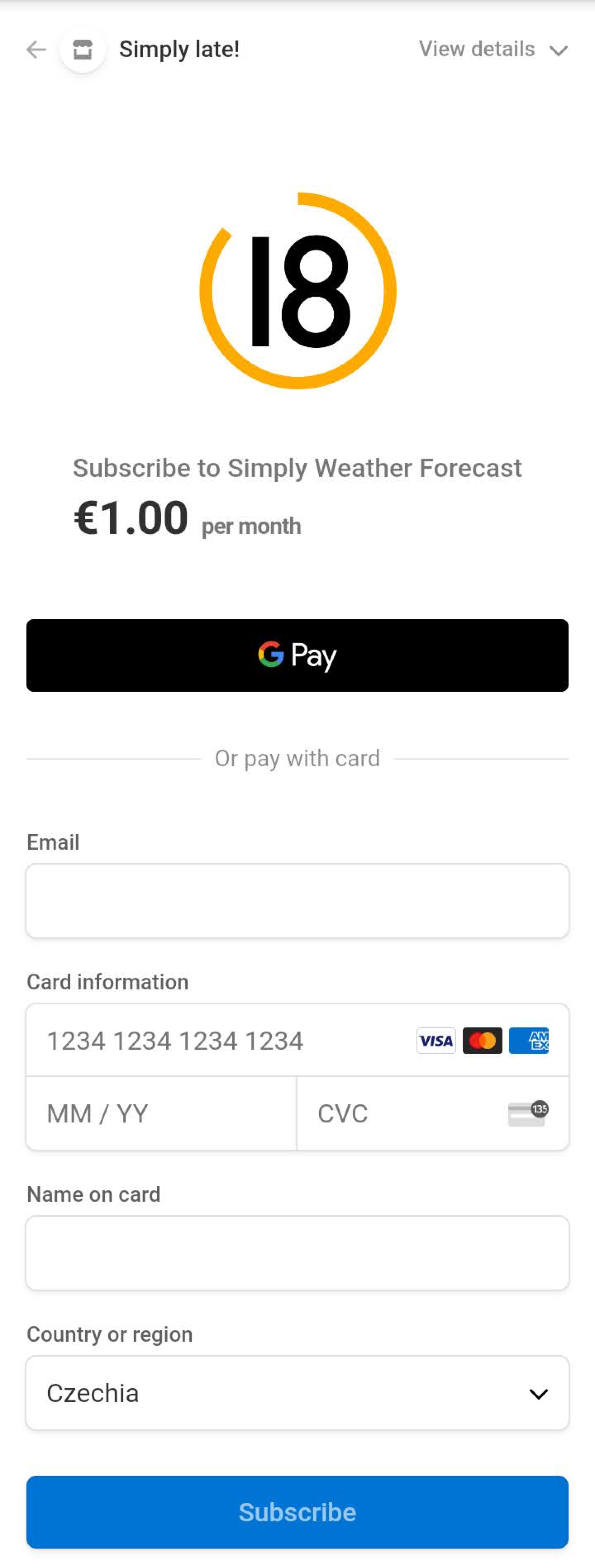
Purchase a subscription to show the weather forecast.
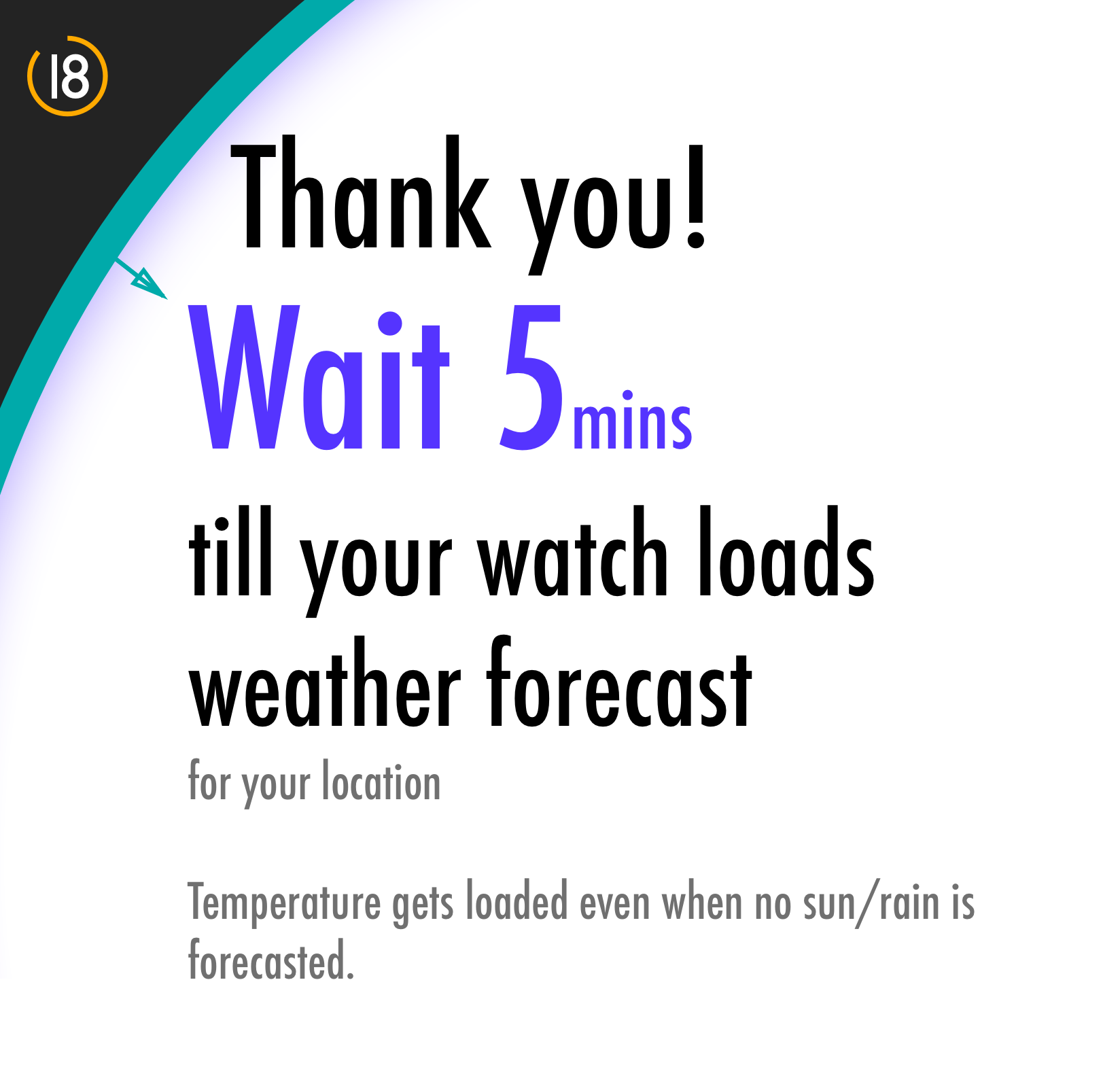
When finished, wait around 5 minutes for the watch to load the weather forecast.
When a temperature shows on your watch, you'll know it got loaded.
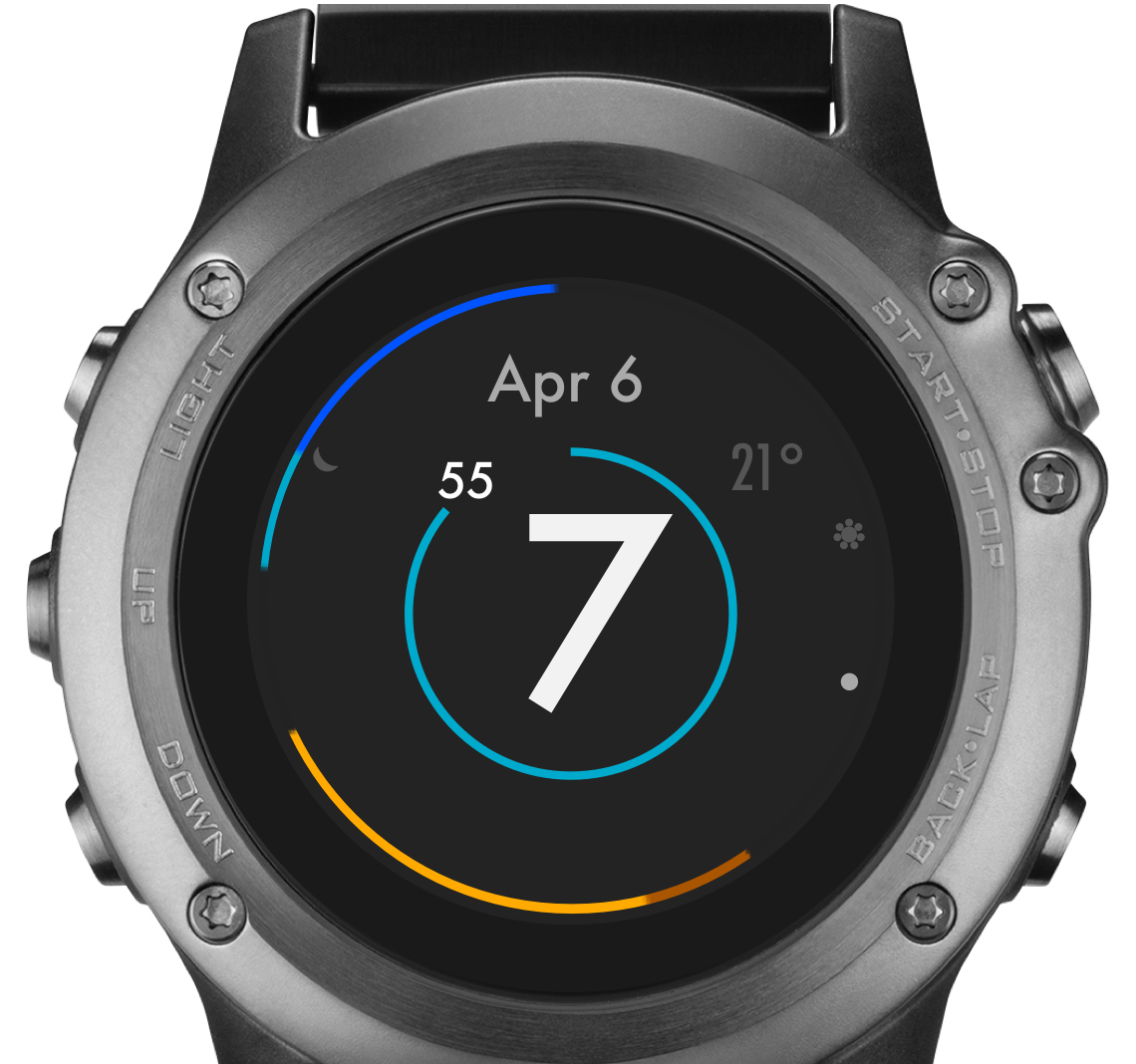
A temperature indicates the forecast got loaded.
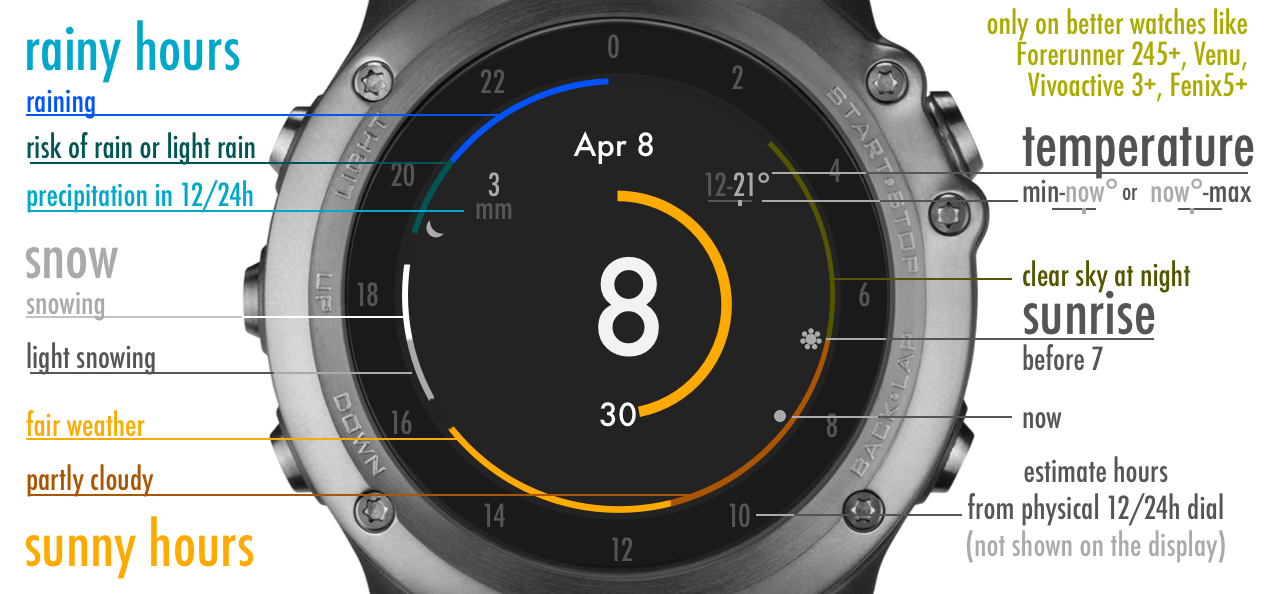
Enjoy the forecast on your wrist. Sun hours in yellow. Rain blue. Snow white.
Uninteresting clouds transparent.
Note if it is cloudy, only the temperature will be show.
Unsubscribe or change payment options at any time
- Type the mail you subscribed with after following the button below
- Unsubscribe or change payment options on the link in the mail from us
If you don't remember with what mail did you subscribe with write us to help@sl8.ch.