simply Google Calendar!
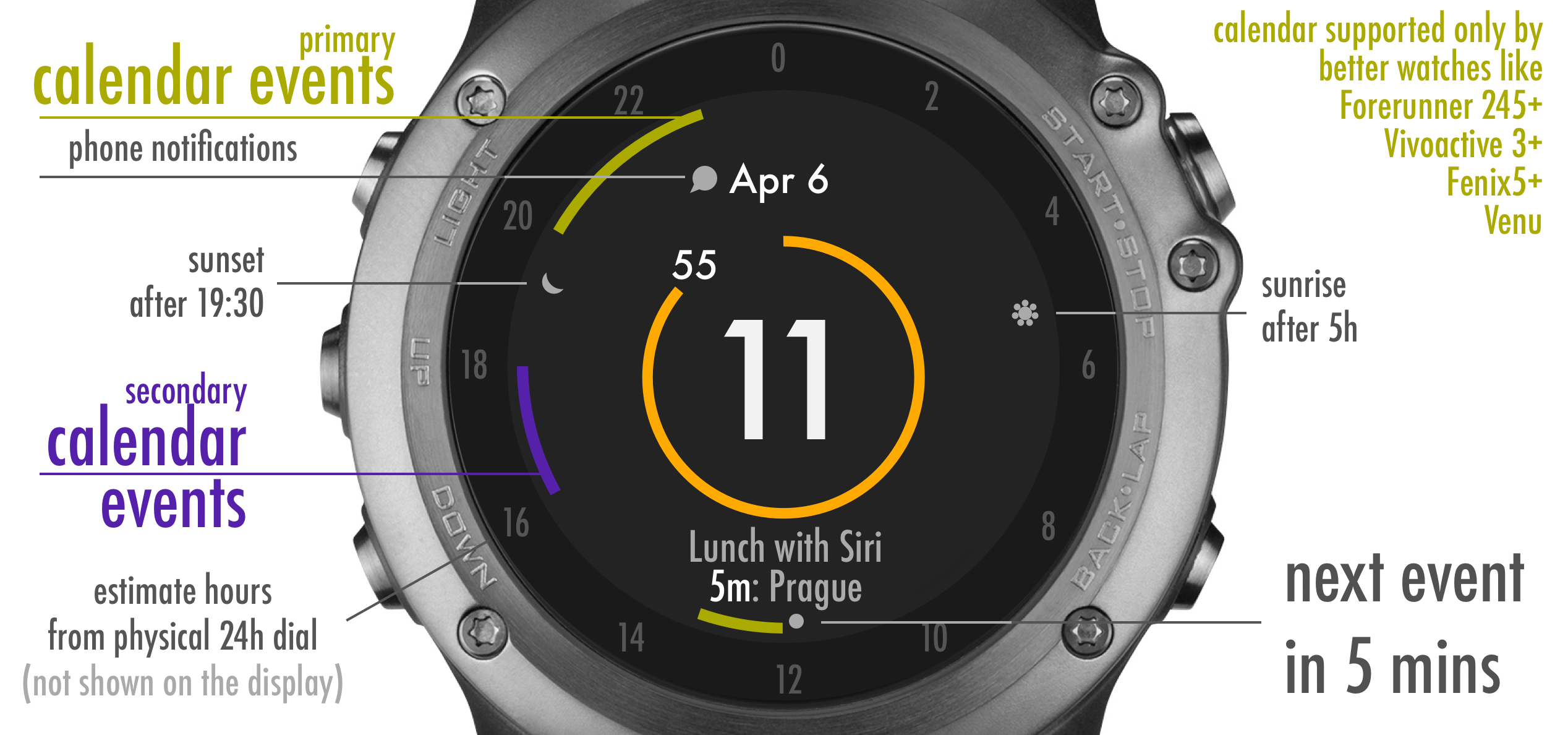
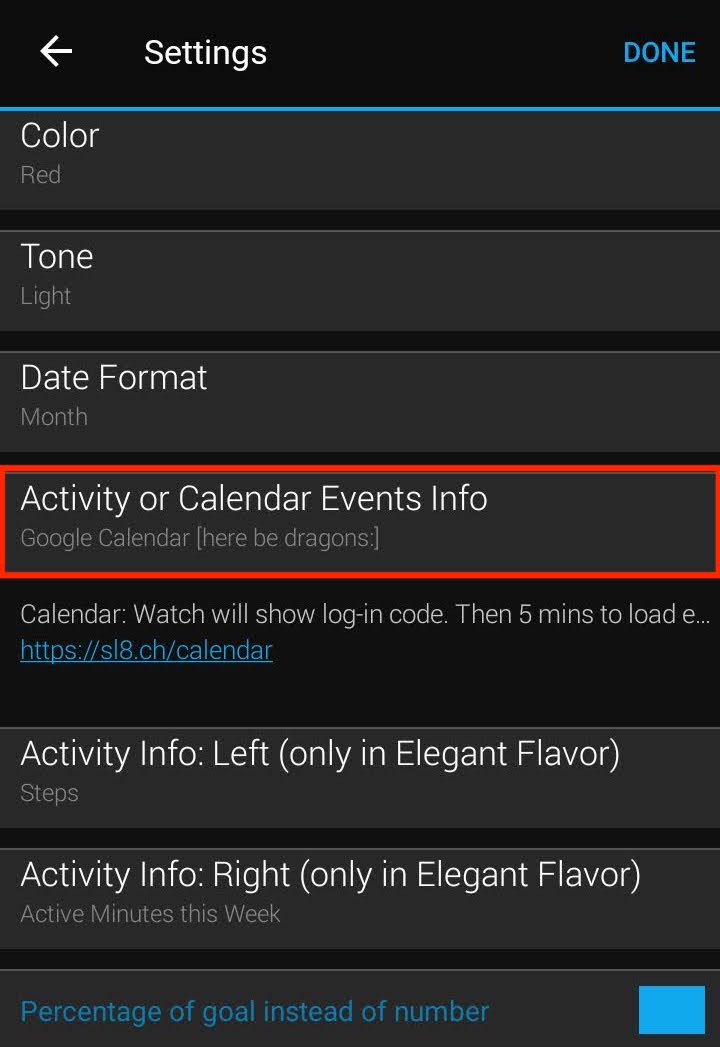
Change "Activity or Calendar Events Info" in Garmin mobile Connect app watch face settings to "Google Calendar".
– If you don't see such option there, your watch does not support it.
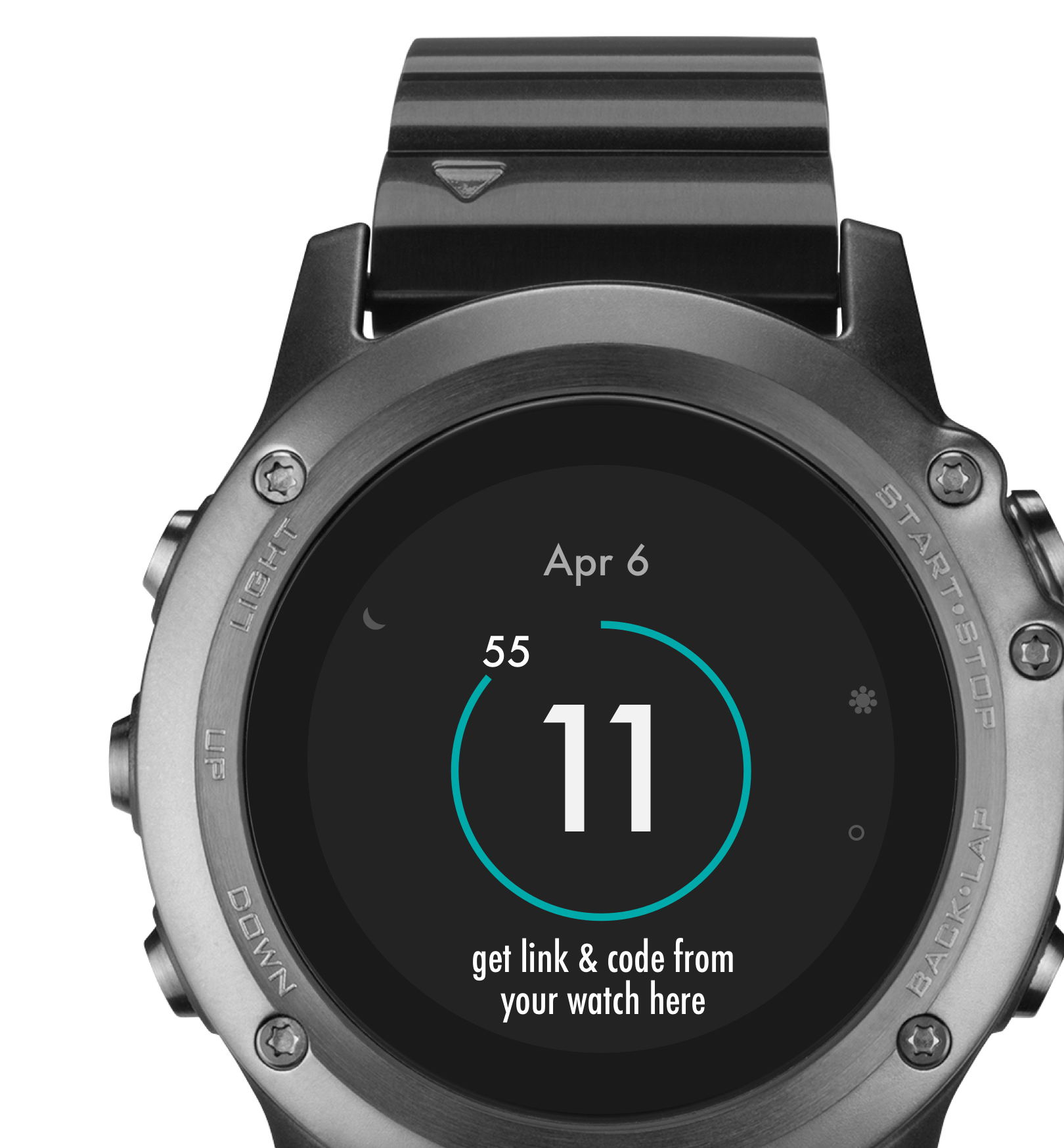
Get a link and code from your watch
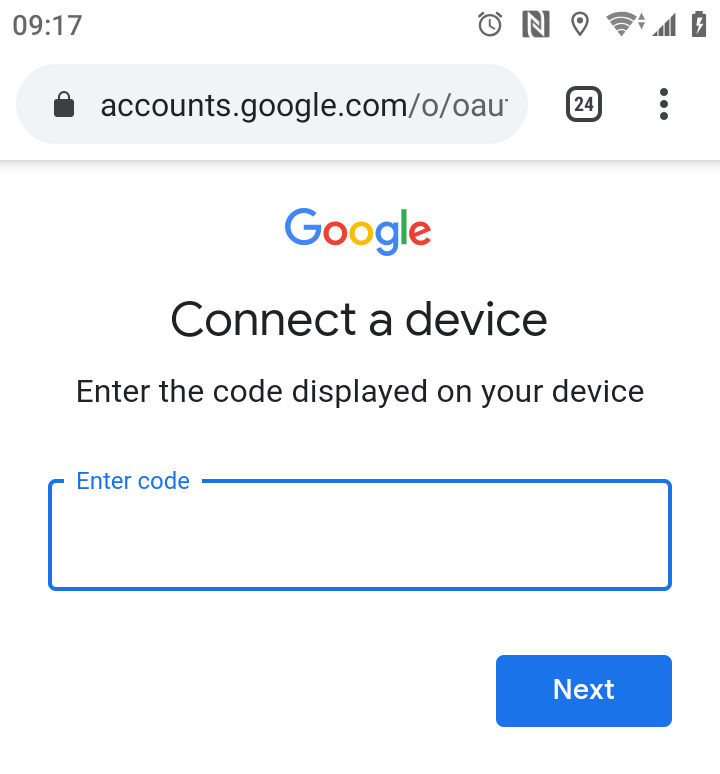
Enter the code from your watch on the given link (probably google.com/device)
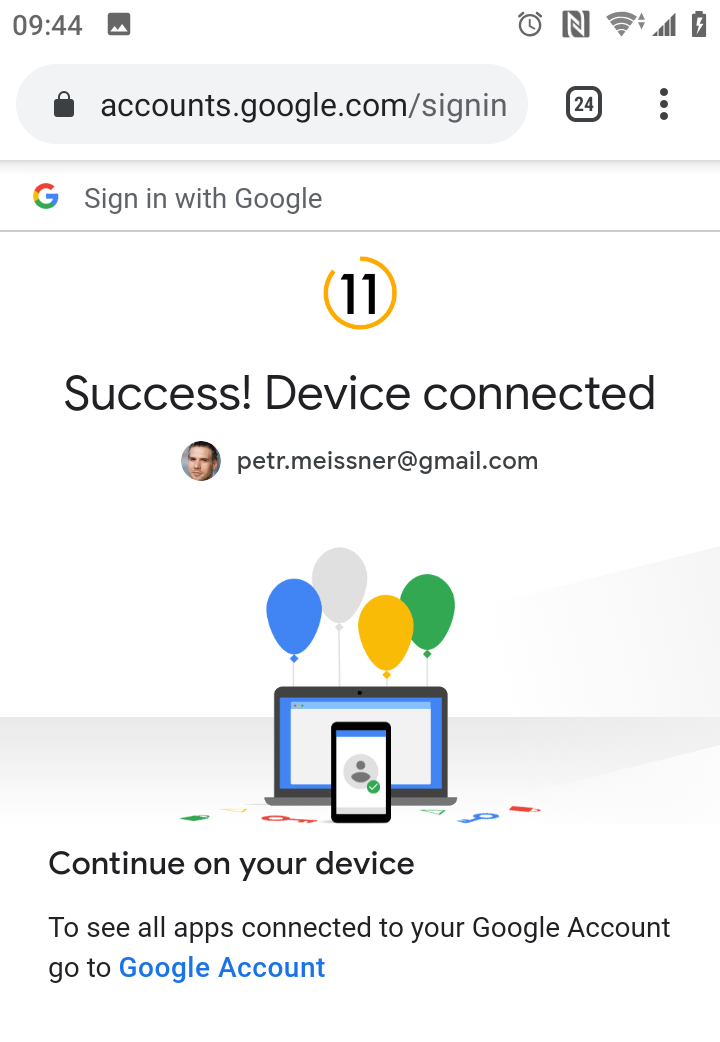
When succeeded, wait for the watch to log-in. It can take 5 minutes or so.
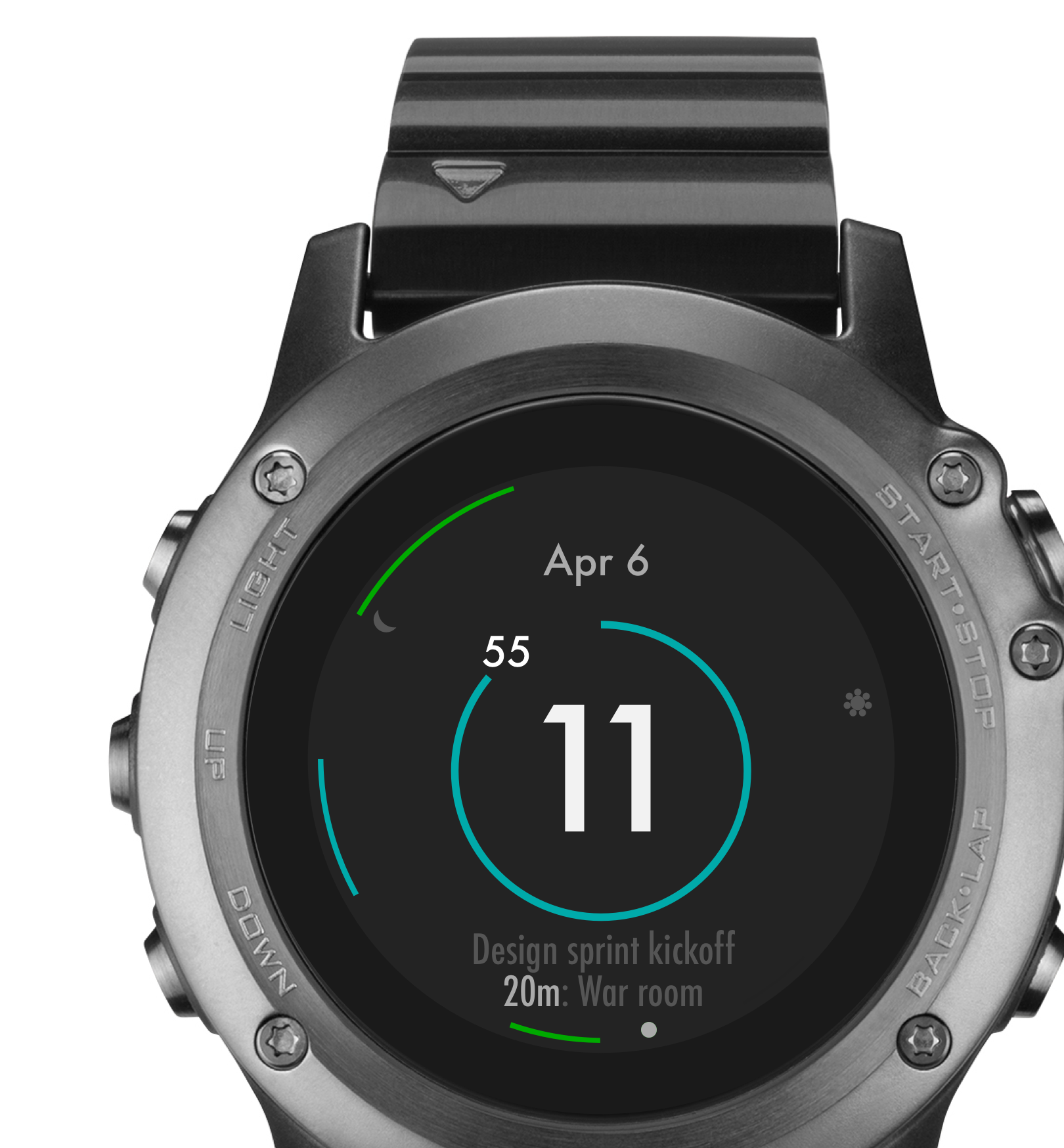
The watch will load your primary Google calendar. You can change which calendars are shown in the watch settings.
– If you enabled a weather forecast as well, you'll need to subscribe for it before calendars are shown.
Troubles?
If the calendar did not load despite you logged-in correctly, you are unfortunately among a fraction of users whose device experiences a known Garmin bug. Typically this bug keeps showing new and new login codes indefinitely. Please consider voting up for Garmint to fix it here.